To make your experience smooth while updating page versions inside a project, you no longer have to update them one by one.
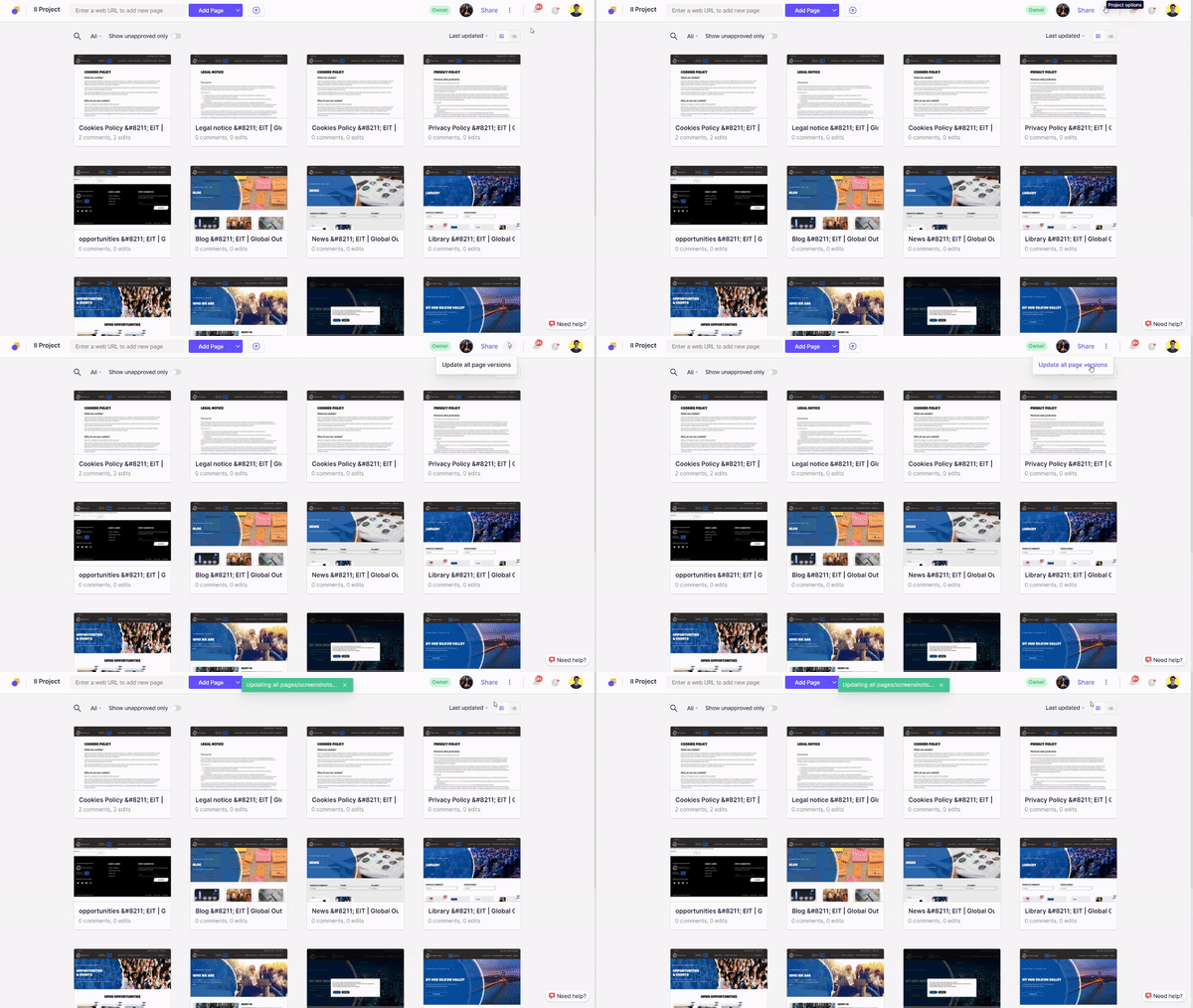
Simply go inside the project, open the three-dot menu on the top-right side (near Share button) and click on ‘Update all page versions’. All your pages will be updated at the click of one button!
Leave a Reply