Toggle Your In-App Sound Notifications On ruttl

Your in-app notifications can now be turned off on ruttl!
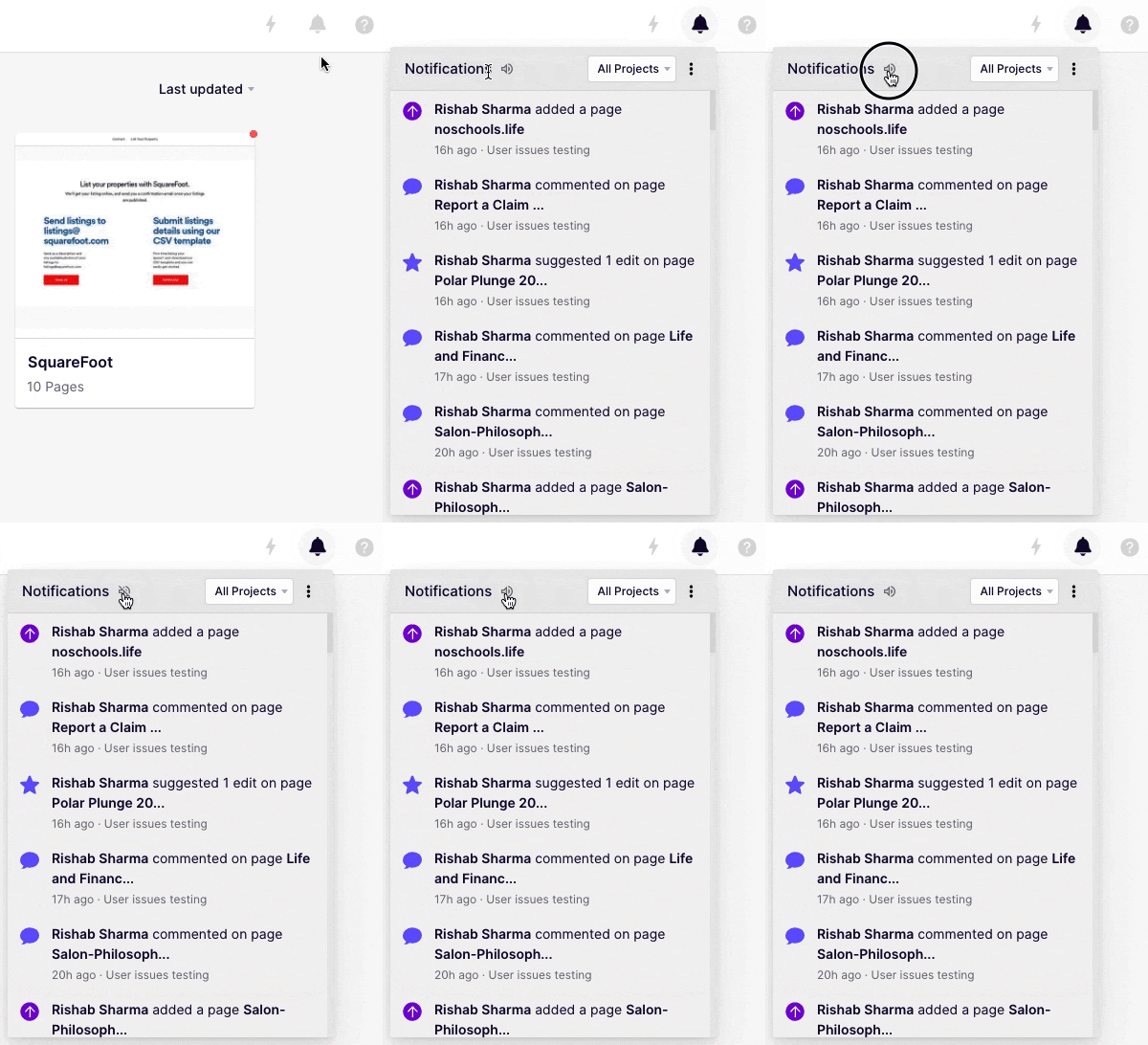
![toggle in-app sounds gif](//images.ctfassets.net/0qbbph04pomv/eCyJt78hhLs90mtVlshGu/4cea98e898da6eec6ba8930fba18d23a/unnamed__4_.gif)

Simply head over to your Notifications Panel and click on the ‘Sound’ icon . Your in-app notification sound will now be muted.


Comments

Leave a Reply

Your email address will not be published. Required fields are marked *