We’ve introduced a secondary colour in our custom branding. Adding this secondary colour will help you easily differentiate between your comment and edit pins. For reference:
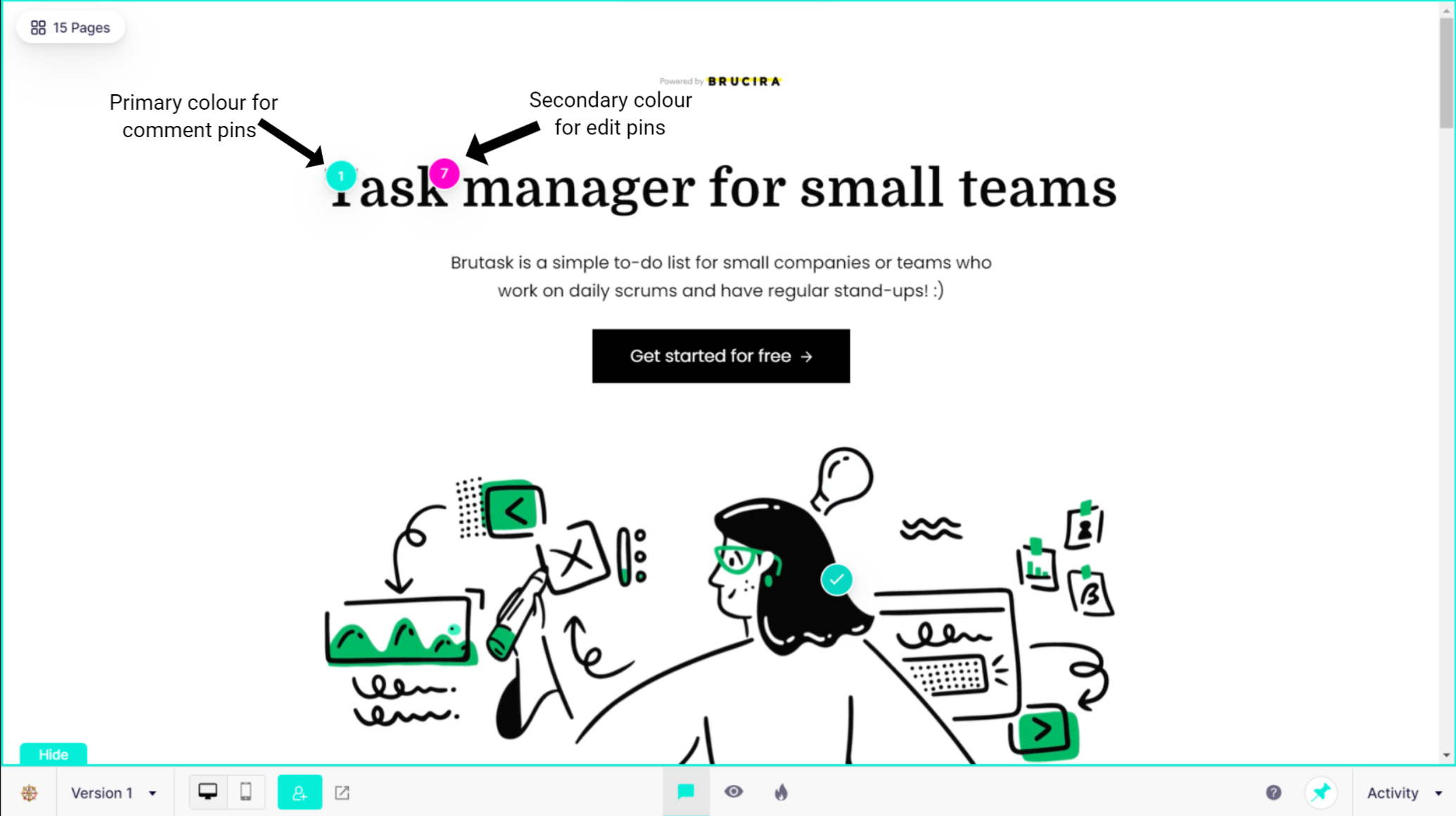
For this update simply go to Custom Branding in your Account Settings, select the secondary colour you want and save the changes.
Leave a Reply